












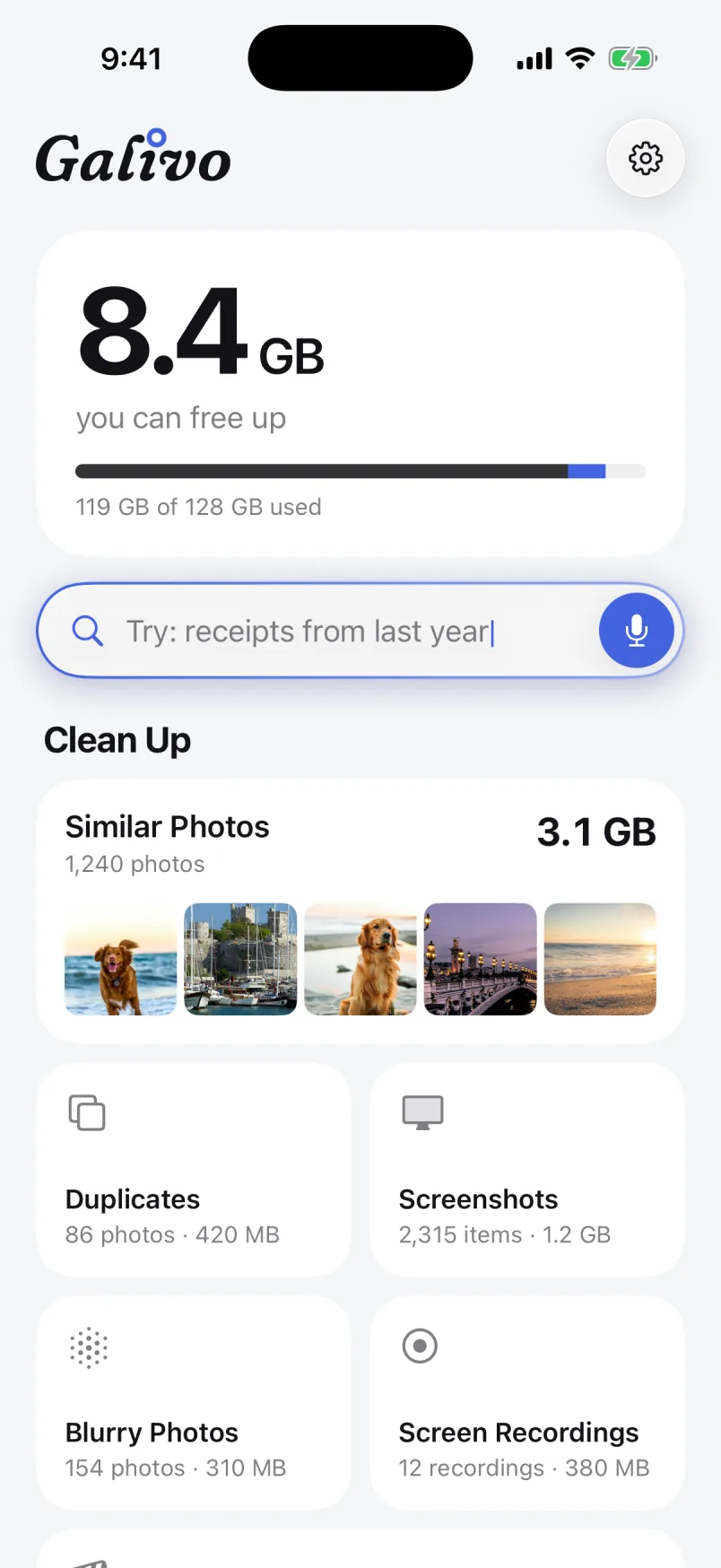
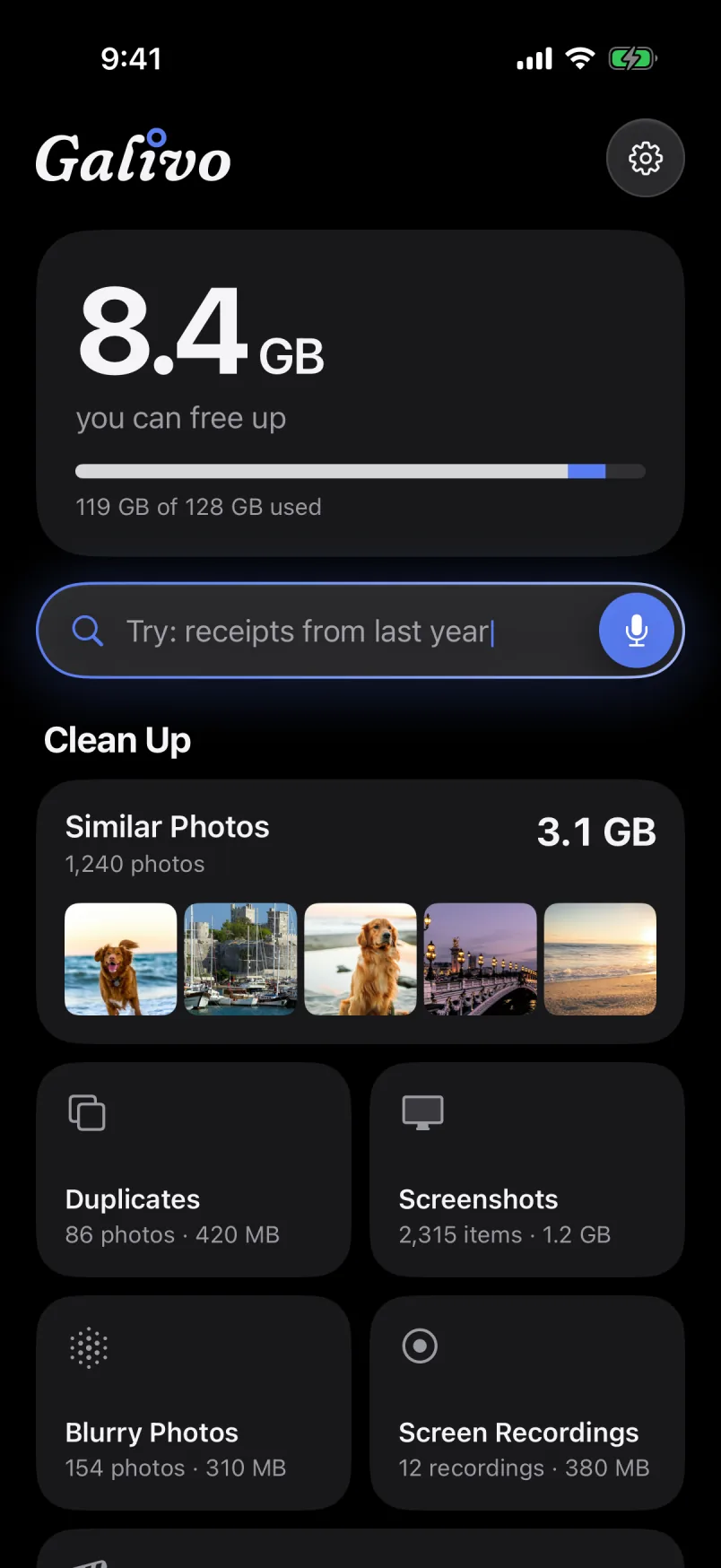
Your gallery, yours again.
Galivo understands what’s in your photos and videos, right on your iPhone. Describe what you’re looking for and find it; clear out similar shots and clutter in one go. Not a single photo leaves your phone.
iPhone · iOS 17 or later
Ten takes of the same moment. One is enough.
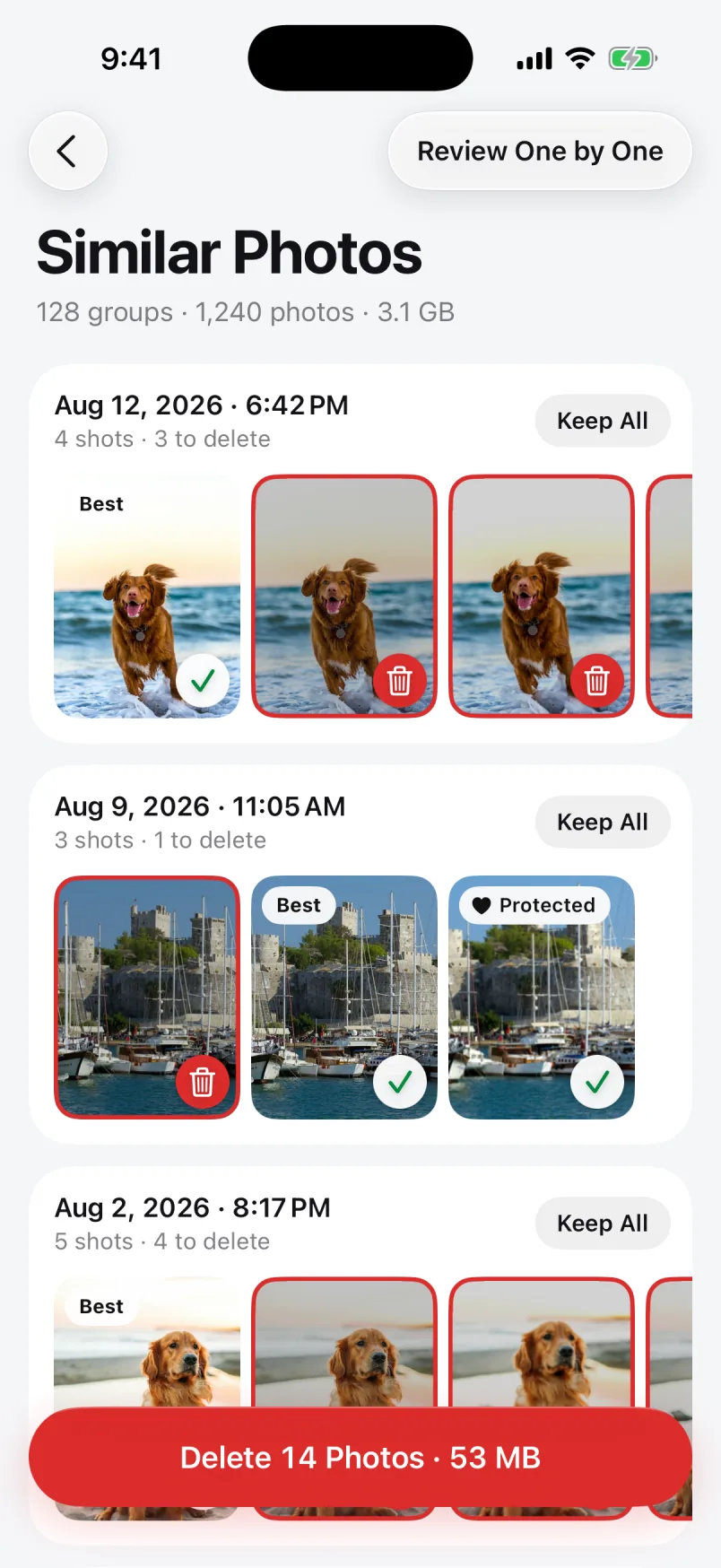
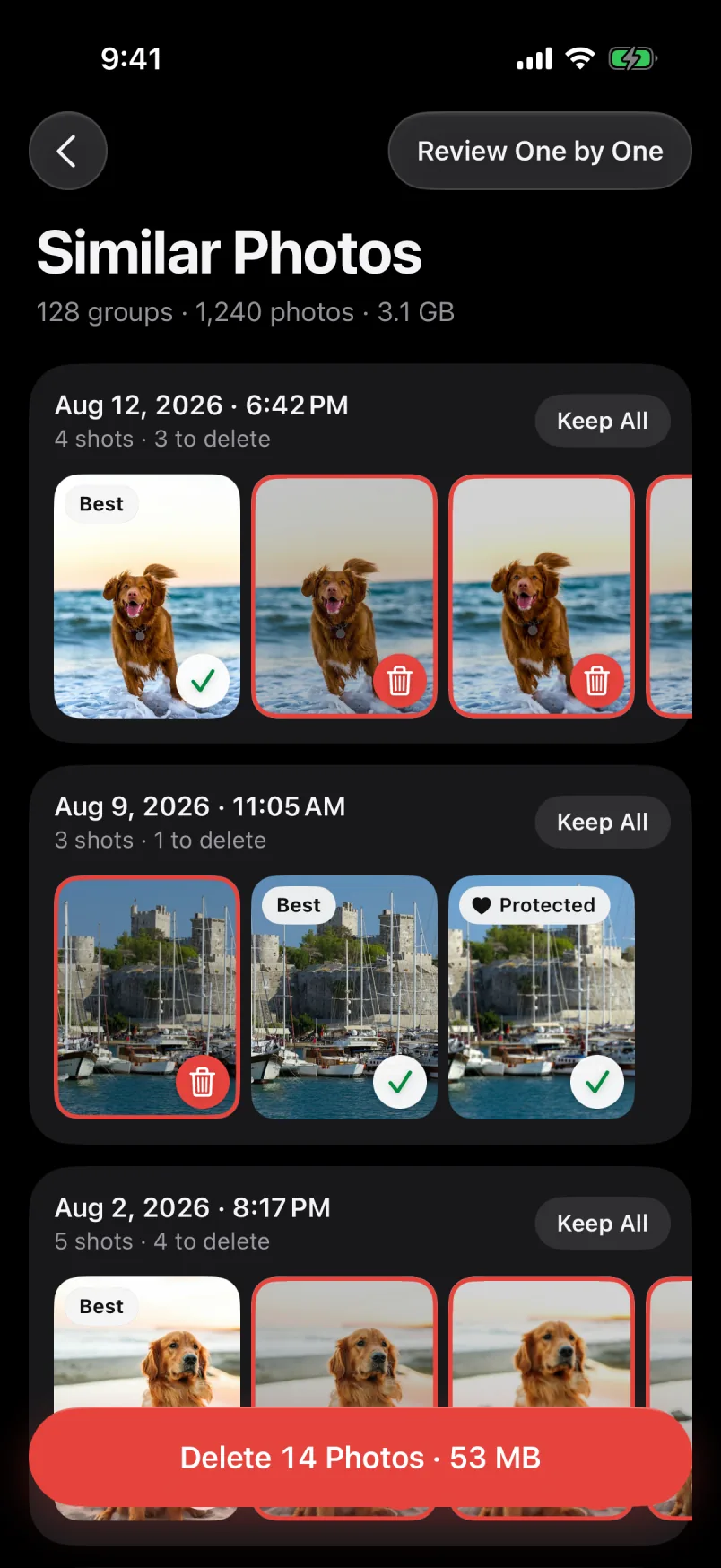
Galivo goes through your library, groups shots taken moments apart and marks the best of each group. Clear the rest with one tap.
- The best shot comes markedFavorites and edited photos come first, then sharpness and resolution. You can always pick a different one.
- Ready-made cleanup listsDuplicates, screenshots, blurry photos, large videos and screen recordings, each in its own list.
- You have the final sayGalivo suggests; you decide. Nothing is deleted without the iOS confirmation, and favorites are never pre-selected.
Type what you remember. It shows up.
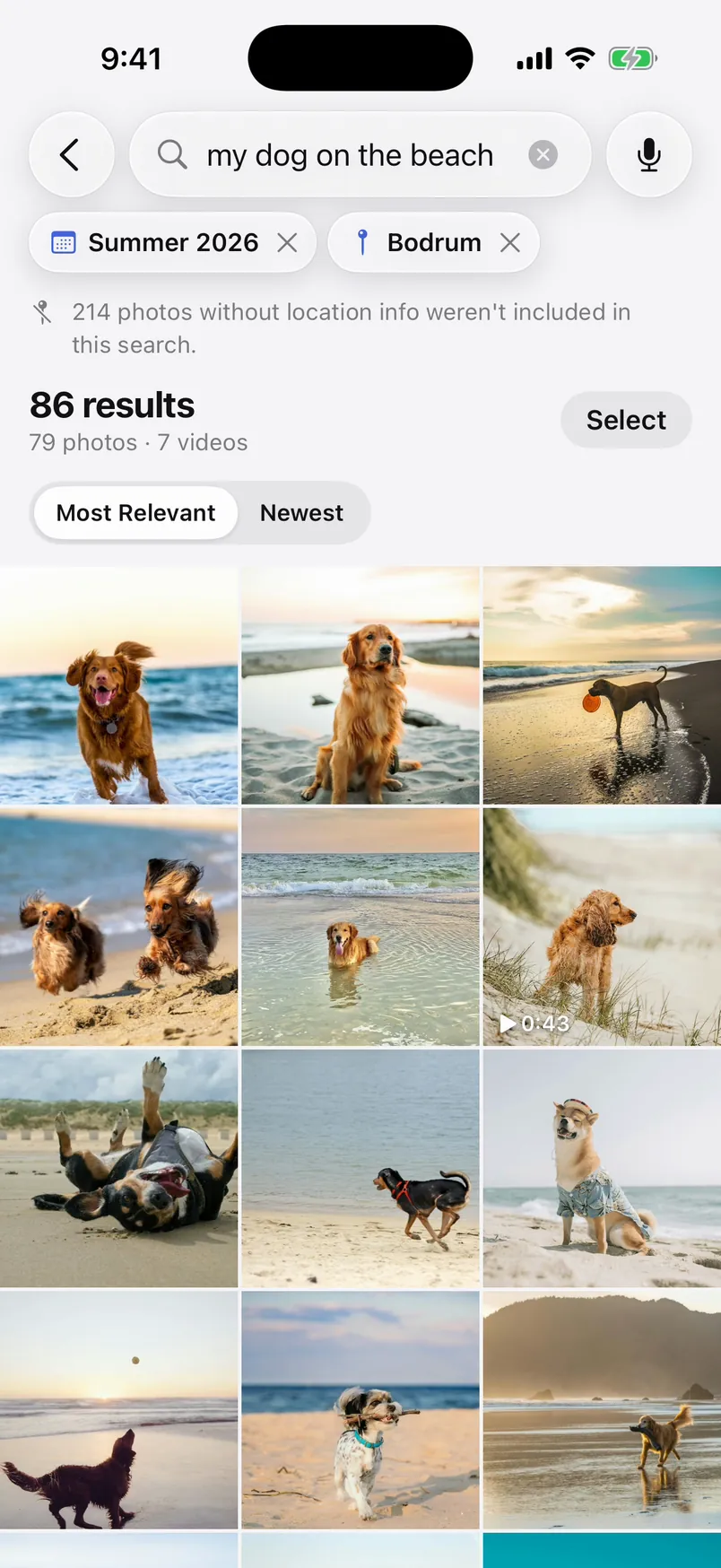
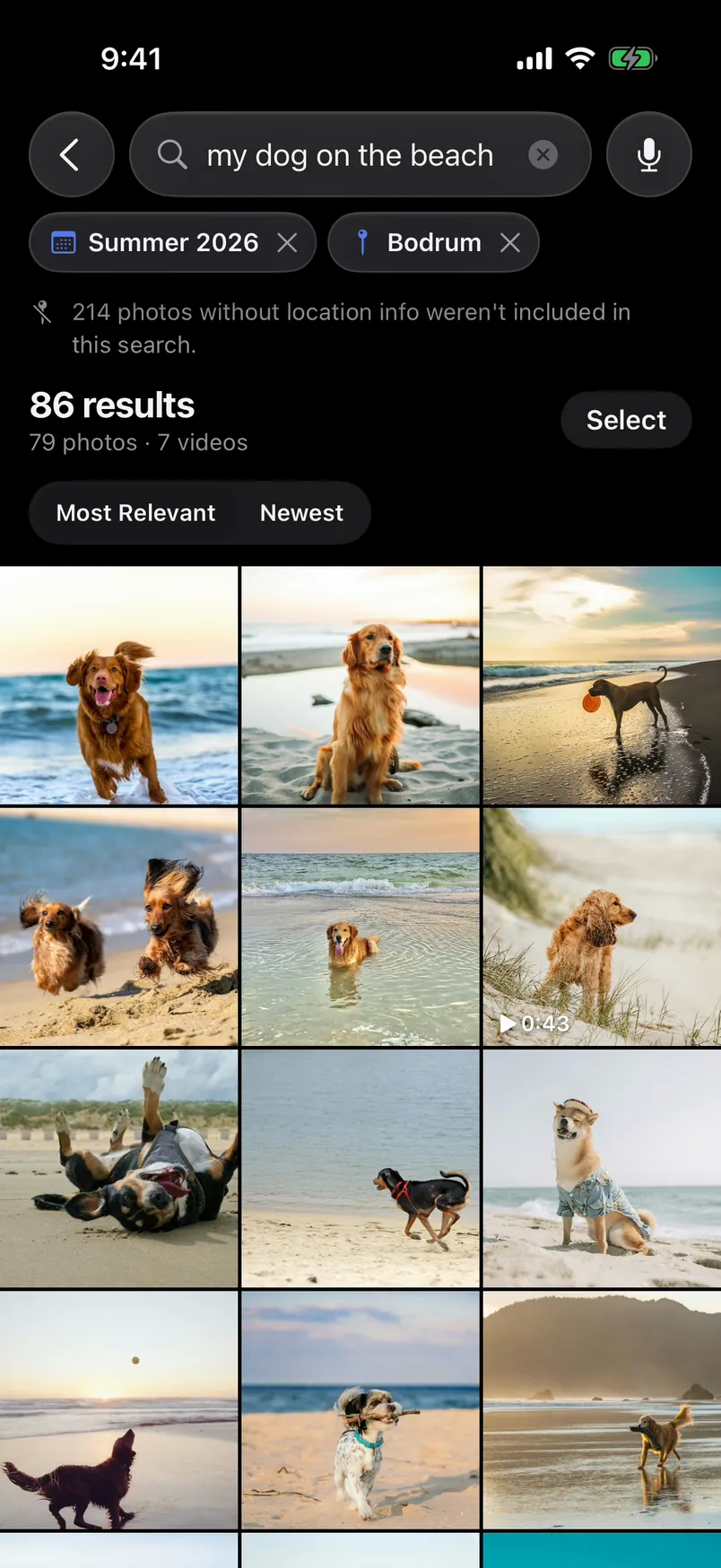
“my dog on the beach”, “birthday cake”, “red car”. Galivo looks at what each photo shows, so you don’t need tags, albums or file names. Search in English or Turkish.
- Photos and videos togetherVideos show up in the same search, in one list with your photos.
- Dates and places become filtersWords like “last summer”, “in Bodrum” or “December 2023” turn into filters you can edit or remove.
- Your searches stay on your phoneWhat you type and the search index are kept only on your iPhone.
Select them all. Delete in one go.
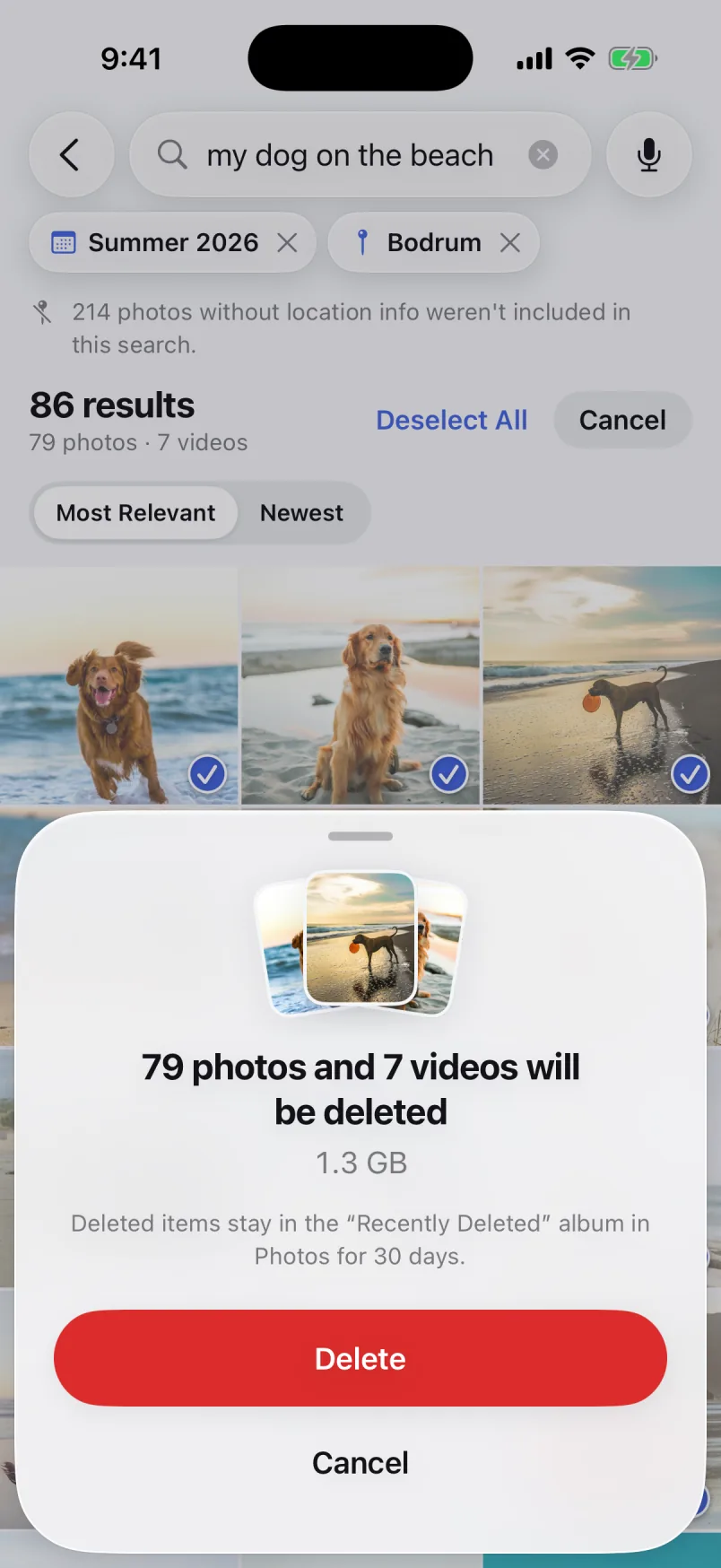
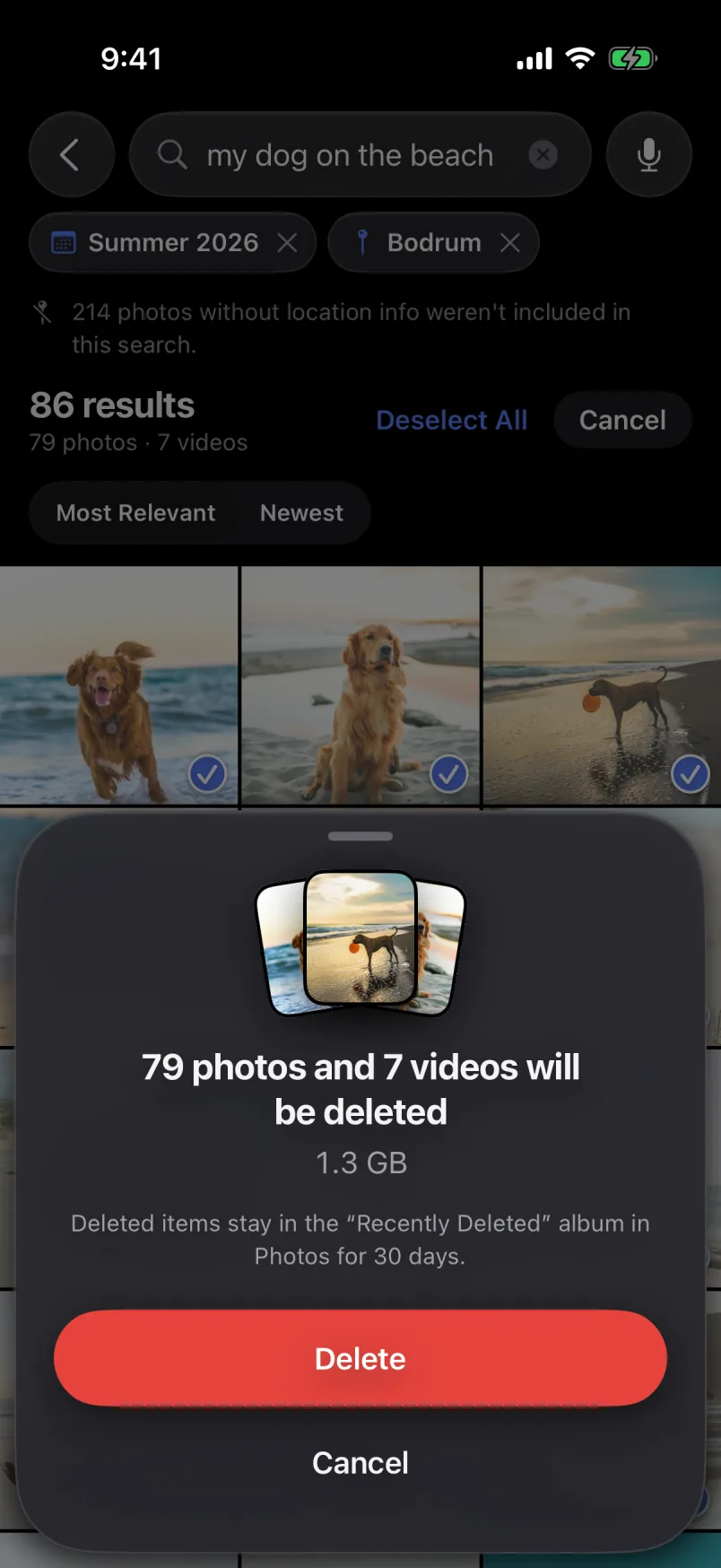
No need to tick 86 photos one by one. Select everything the search found, see how many photos and videos it is and how much space you’ll get back, then decide.
- Delete or add to an albumClear your selection in one step, or gather it into an album.
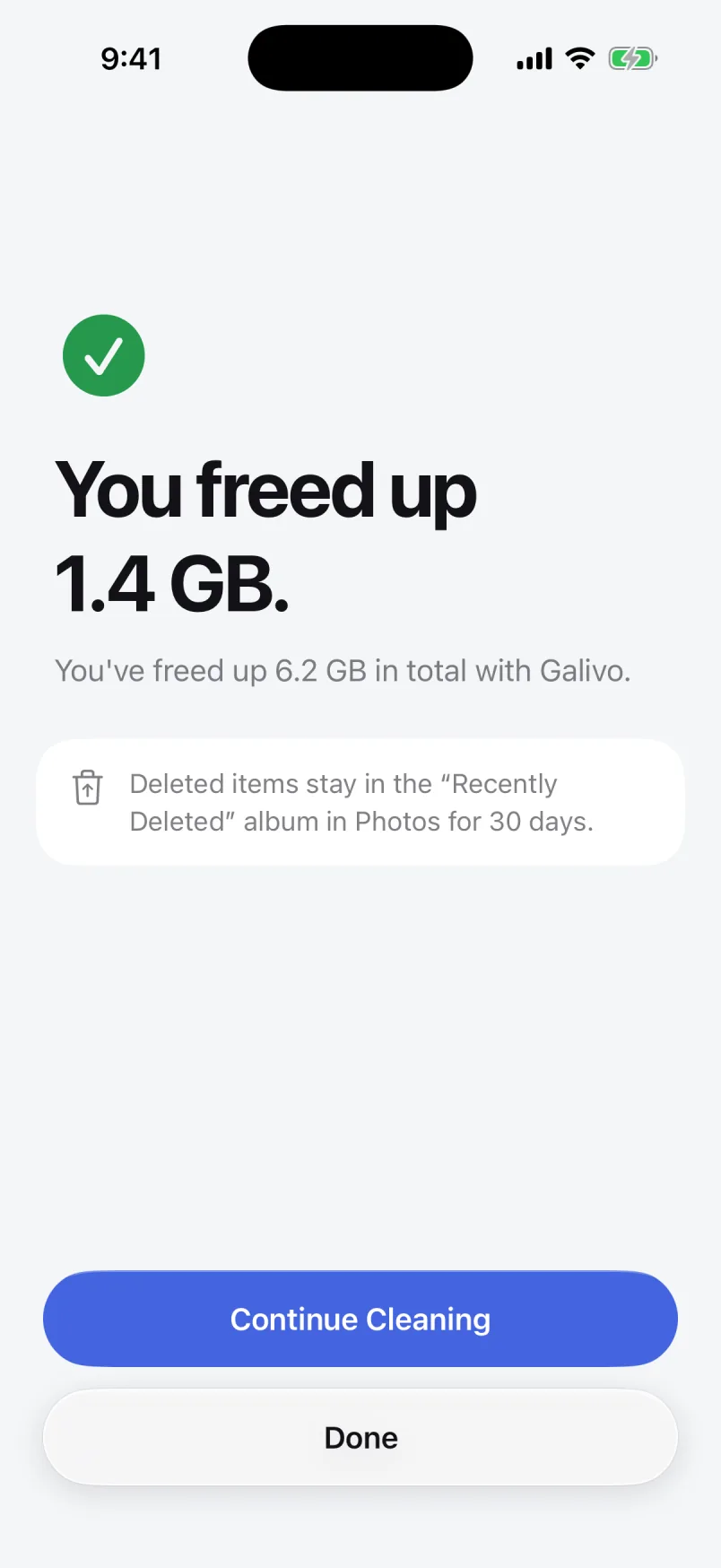
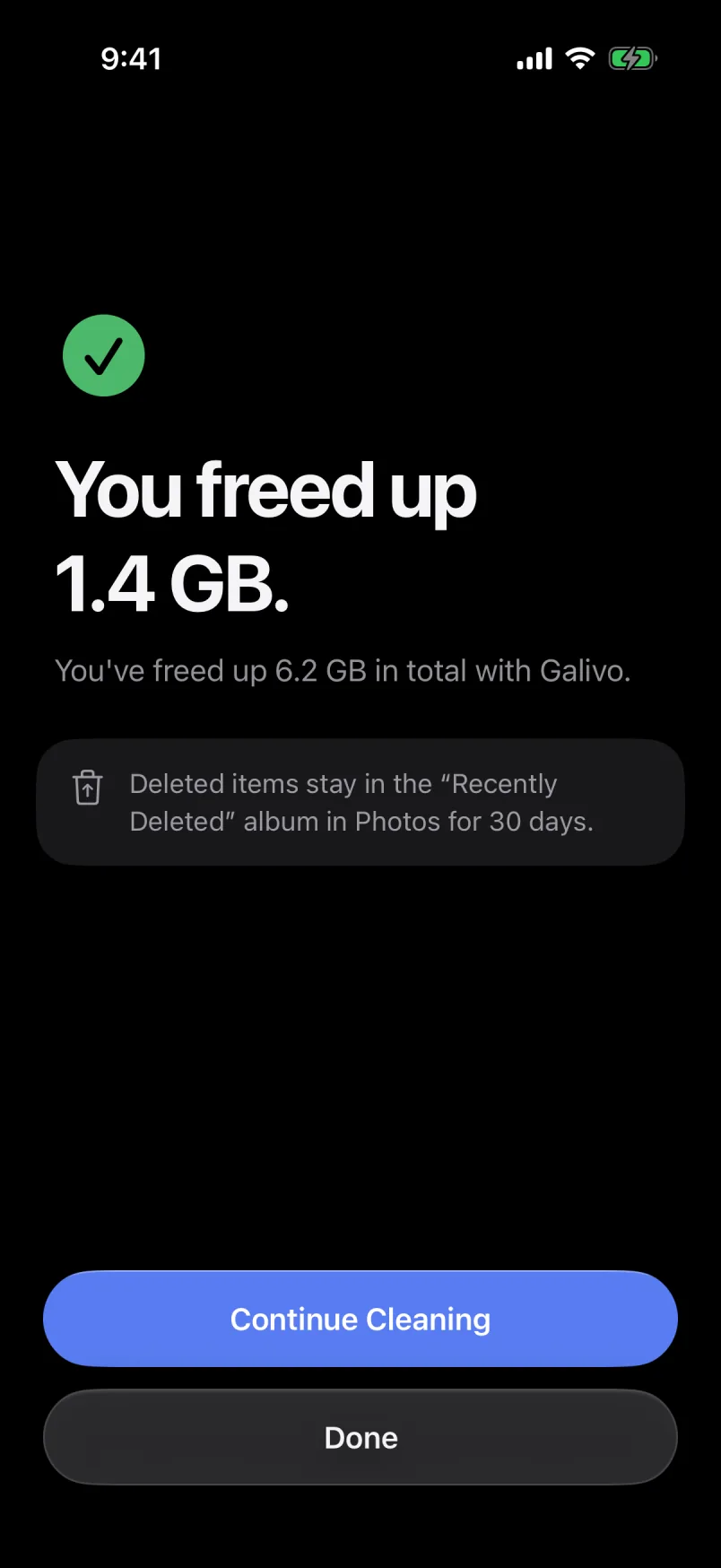
- See the space before you deleteThe storage you’ll free up is shown before anything is deleted.
- 30 days to change your mindDeleted items go to Recently Deleted in Photos. You can recover them there for 30 days.
Just say it.
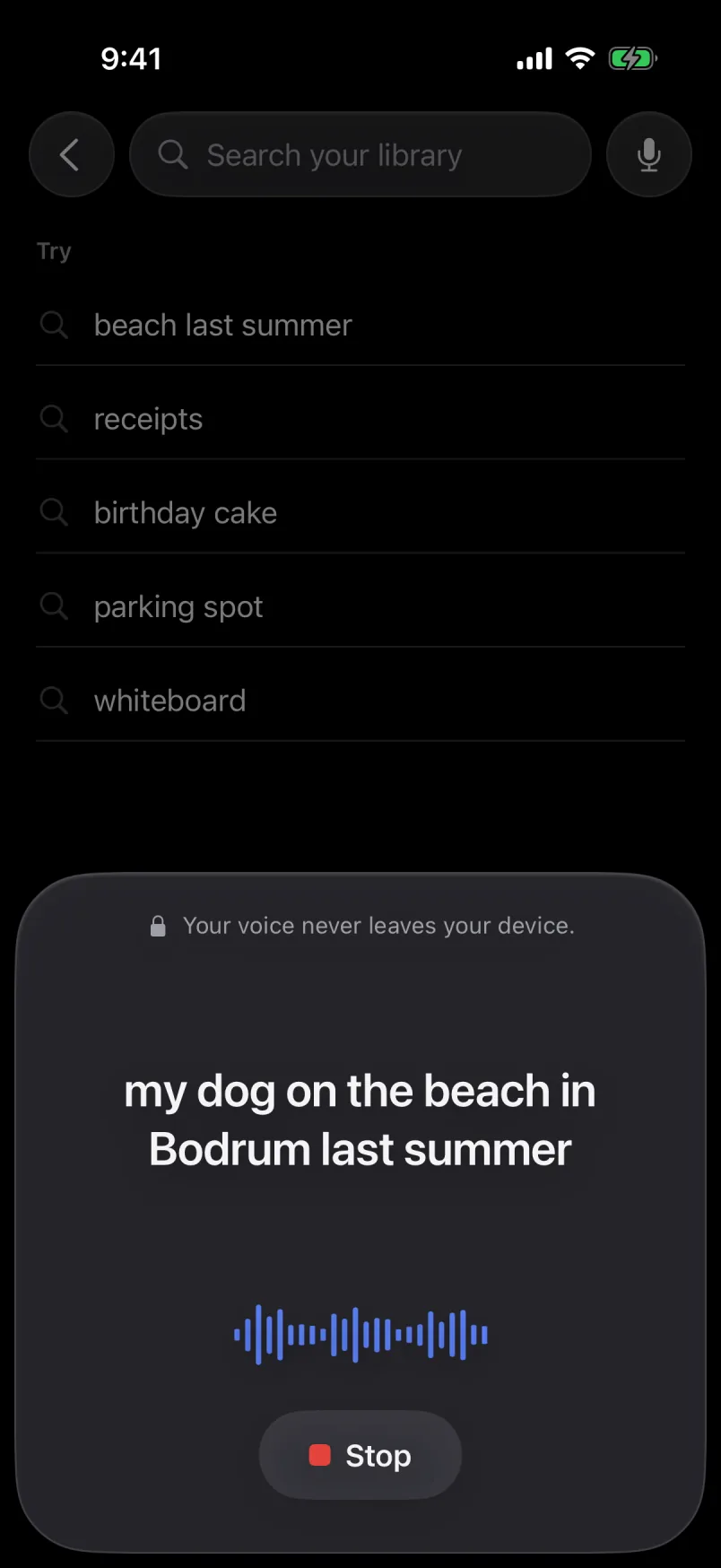
Say “my dog on the beach in Bodrum last summer” and Galivo searches for it. No typing, just the way you’d tell a friend.
- Recognized on your iPhoneYour speech is turned into text with on-device speech recognition. It isn’t recorded or sent anywhere.
- Everyday sentences workNo keywords to memorize. Say it the way you remember it, in English or Turkish.
Your photos never leave your phone.
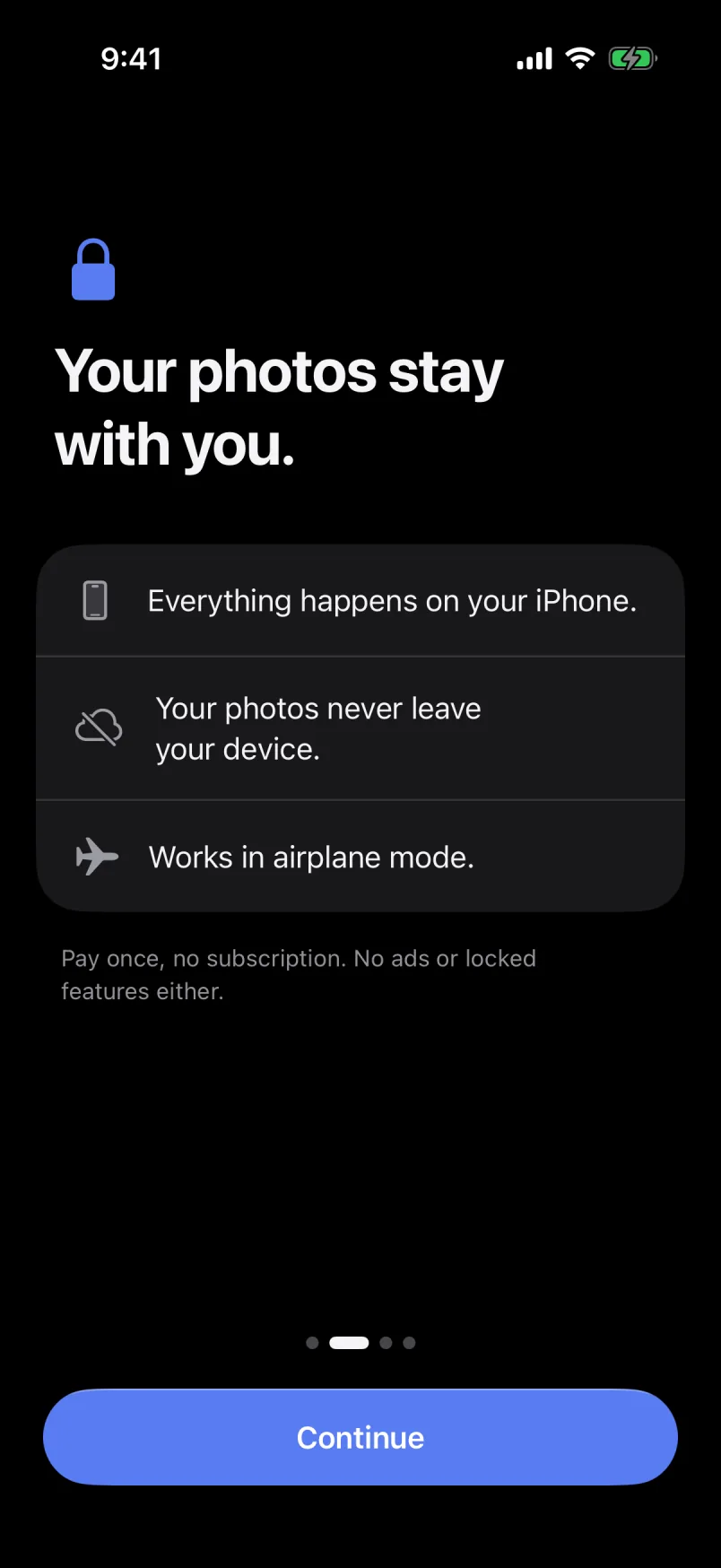
Analysis, grouping and search all happen on your iPhone. Your photos, searches and voice are never sent to a server. Galivo goes online only once: on first launch, to download the roughly 510 MB file that smart search needs.
- No cloudNot a single photo is uploaded.
- No accountNo email, no sign-in, no profile.
- No trackingNo analytics, ads or tracking code. App Store label: Data Not Collected.
- Works in airplane modeAfter the one-time download, no internet needed.
Pay once. No subscription.
No monthly fee, no ads, no in-app purchases. Search, smart cleanup and voice search are all included from day one.
- No subscription
- No ads
- No in-app purchases
One-time price on the App Store · iPhone · iOS 17 or later · English and Turkish